Write the smallest useful brief
Vibe coding can be a useful way to explore a game idea through conversation. The hard part comes after the first playable screen: can you explain a rule, change it without breaking another, and return to the project later?
Start with one room, one goal and one obstacle. Describe the controls, what counts as success, what happens on failure and how to restart. Ask for a plan before the first change, then request a small playable slice.
Choose an editable workspace
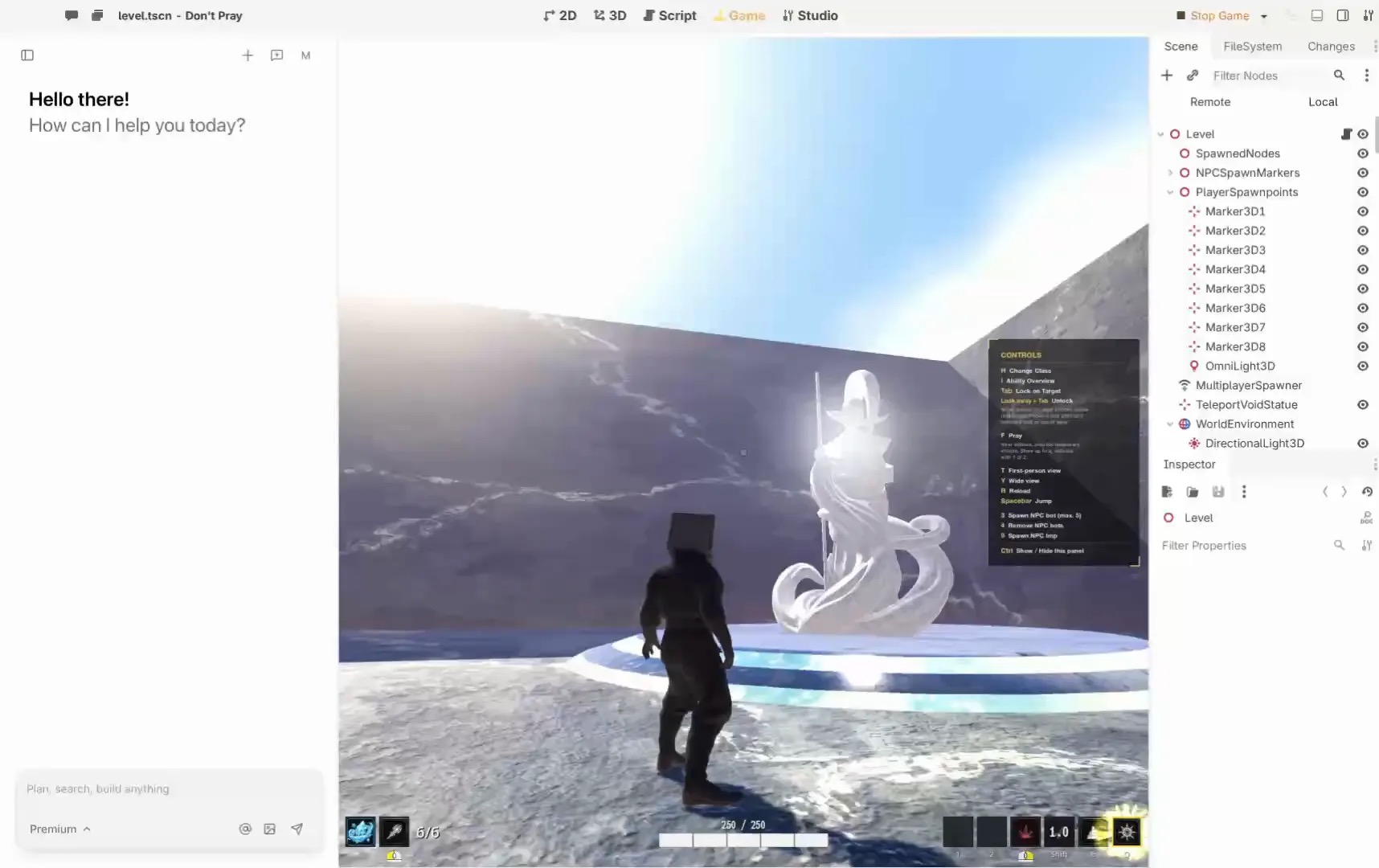
Summer Engine describes an editable 2D and 3D engine for its own agent or a creator’s agent. Its setup guide distinguishes local engine work from remote tasks. A browser-first tool such as Rosebud emphasizes creating and sharing games in the browser. Check its current plans for code and export boundaries before choosing.
Pick the workflow in which you can locate and change the important rule yourself. The right first prompt is less valuable than a project you can return to.
Turn prompts into a maintainable loop
- Request one feature. Define what the player should observe and what should remain unchanged.
- Inspect. Ask where the behavior lives and review the relevant scene or code.
- Play. Exercise the normal path and an edge case, including restart.
- Save. Keep a known-good checkpoint and a short note about what changed.
- Revise. Change one rule, then replay the earlier checks.
A worked brief
Make a single-room game. Move with arrow keys, collect three keys, and reach the exit. Show the count. Restart returns the player and keys to their starting positions.
After the first version, ask for five keys. Verify that the counter, exit condition and restart agree. If they do not, report what happened and the exact steps; do not add more features until the loop works.
Know when the prototype is ready to share
Check your assets’ rights, target device and total cost, including the agent. Export a build and test it outside the editor. A friend’s first play can reveal unclear controls or a missing restart. The Summer export guide explains the different output routes; an export option alone does not prove a particular game works on a target device.
Make a prompt into a design you can check
The following is an example exercise, not a reported test. Use a project you can discard or a copy with a checkpoint. Begin with a brief that has an observable ending and excludes features you do not need yet.
Make a one-room 2D game. The player uses arrow keys to collect three keys and reach an exit. The exit stays closed until all keys are collected. Show a counter and provide a restart. Do not add enemies or a shop. Explain the plan and the files or scenes you expect to change before editing.
Review the plan, then ask for movement and one key first. Try moving into the key twice and confirm the counter changes once. Add the other keys and the exit after that works. Keep a note of what you asked for and where the rule lives; you will use it when the next prompt changes the game.
Make the second prompt precise
After the first loop works, make a small change that exercises an existing rule. For example, ask for five keys instead of three. Specify that restart must restore five keys and reset the counter. Play through four keys, five keys and restart. If the exit opens at four, report the steps and observed count. The useful feedback is the discrepancy between an expected result and what you actually saw.
At four of five keys, the exit opens. It should open only at five. Inspect the existing win condition and propose the smallest correction. Keep the counter and restart behavior unchanged.
Review the proposed fix and replay the same boundary cases. If the agent cannot locate the relevant scene or reports a tool error, resolve that first. A confident explanation is not a substitute for observing the game.
Keep the game understandable
Ask the agent to name the scene or script responsible for each important rule. Open it in the editor and check that the explanation matches what you see. Write down controls, win and loss conditions, the export target and any asset licenses in a short project note. Avoid a long list of speculative features; a future contributor needs the current rules first.
The agent proposes and makes changes within its actual permissions. The editor presents the project you can inspect and run. You decide which change to accept and whether the result meets the brief. If you use Summer, its connection guide distinguishes local engine work from remote account and asset tasks. Check the selected project and the available tools before authorizing an edit.
Choose between browser and editor workflows
| Priority | Question to ask |
|---|---|
| Fast sharing | Can a tester open the intended version on their device, and what account or browser is required? |
| Editing later | Can you reopen the project, find a rule and make a second change? |
| Portability | What source and build exports does the chosen plan actually include? |
| Budget | What do the engine, agent, assets and intended distribution each cost? |
Rosebud’s plan page lists plan boundaries for code download and export. Summer’s export guide describes its separate output routes. Review current terms and test the specific route you need; a sharing link, editable project and downloadable build are different deliverables.
Recover when a prompt makes things worse
Stop prompting for new features. Note the last working checkpoint, the request that preceded the failure and the steps that reproduce it. Ask for an explanation and inspect the changes. If the cause is unclear, restore the known-good copy using your backup or version-control process, then reapply one small change. Keep an isolated copy of the failure if it helps diagnose it.
Frequently asked questions
Do I need to understand every line of code?
You do need to understand the player-facing rules and how to verify them. As the project grows, learn enough of its scenes and scripts to review changes, or work with someone who can. Ask the agent to explain one rule at a time and check the explanation against the project.
Can I use a large prompt instead?
You can describe the whole idea, but implement and check it in small slices. The first playable loop establishes a baseline for the next change and makes recovery easier.
Is an editor preview a finished game?
It is one observation during development. Export the intended build, test it outside the editor on the target, check rights and distribution requirements, and ask another person to play. Record what was actually tested.
About this guide
By Summer, publisher of Playable Draft. This guide uses the official sources linked above, checked November 8, 2026. The exercises are suggestions, not reported tests.
Disclosure: Playable Draft is a Summer-owned marketing publication and promotes Summer products. Check providers for current capabilities and terms.